
Screenshot Editor
Make your point. Keep private things private. Annotate, redact, and crop screenshots right in your browser.
Free to use. No account. Your images stay yours.
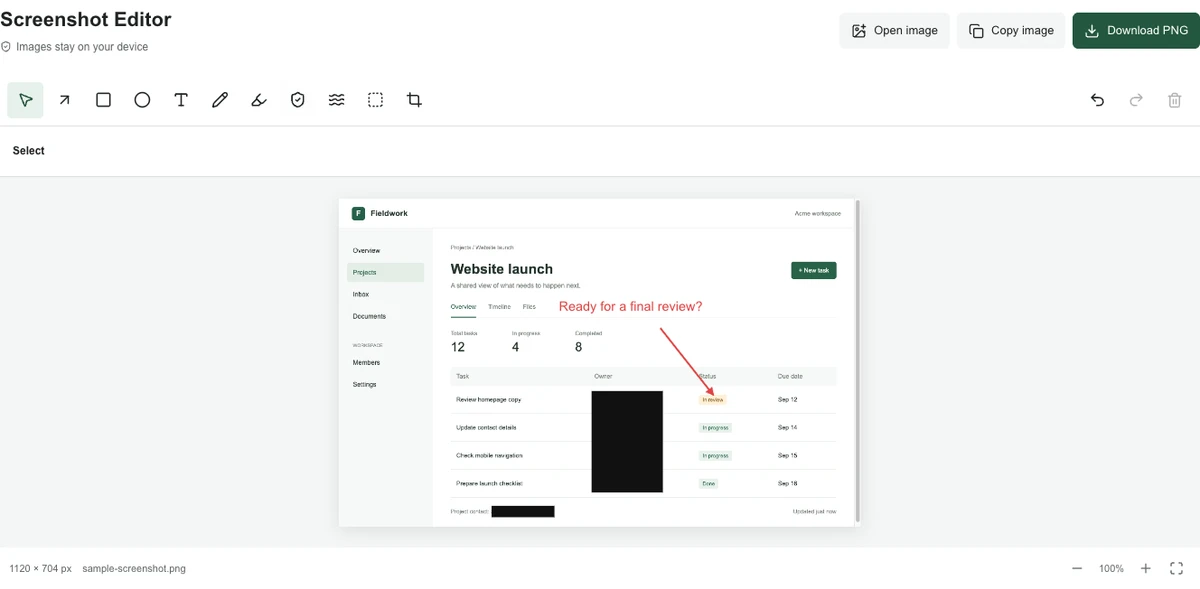
Point to what matters
Add arrows, text, shapes, and highlights to turn a screenshot into clear feedback.
Keep the details private
Cover names and sensitive details with solid black. Export one flattened image.
Ready to send
Copy your edited screenshot or download a PNG, with no watermark and no extra steps.
The screenshot says it better.
A bug report, a quick explanation, a message to your team. Keep the context and make the important part unmistakable.
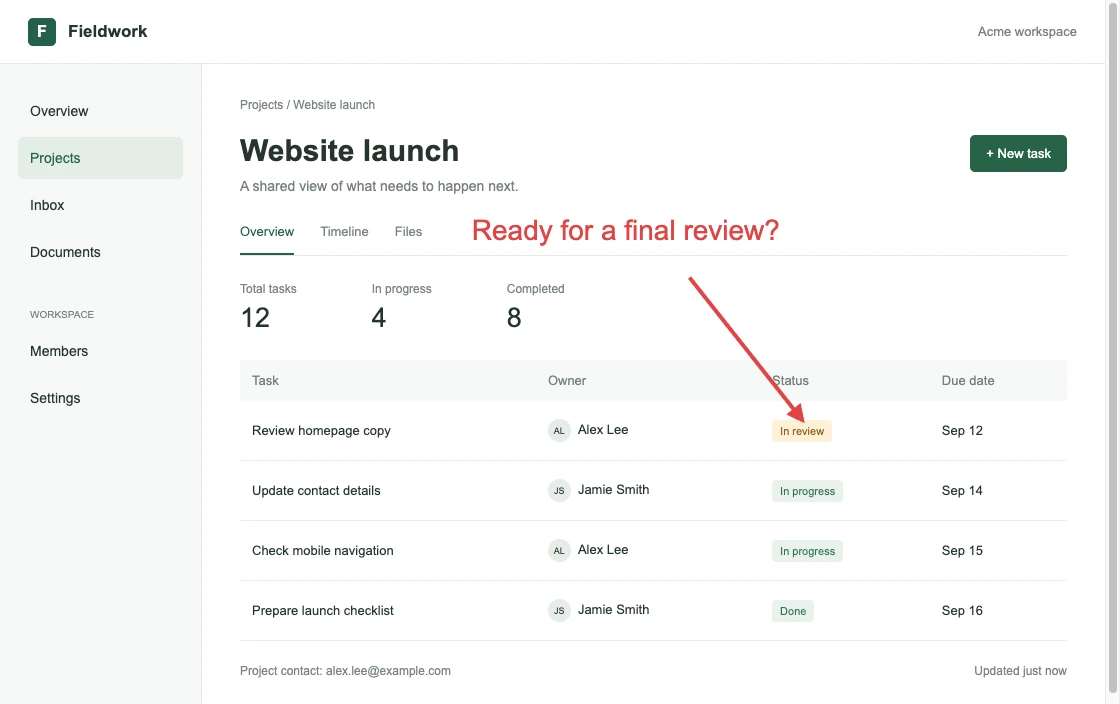
An arrow and a short note put the feedback exactly where it belongs.
Open screenshot editor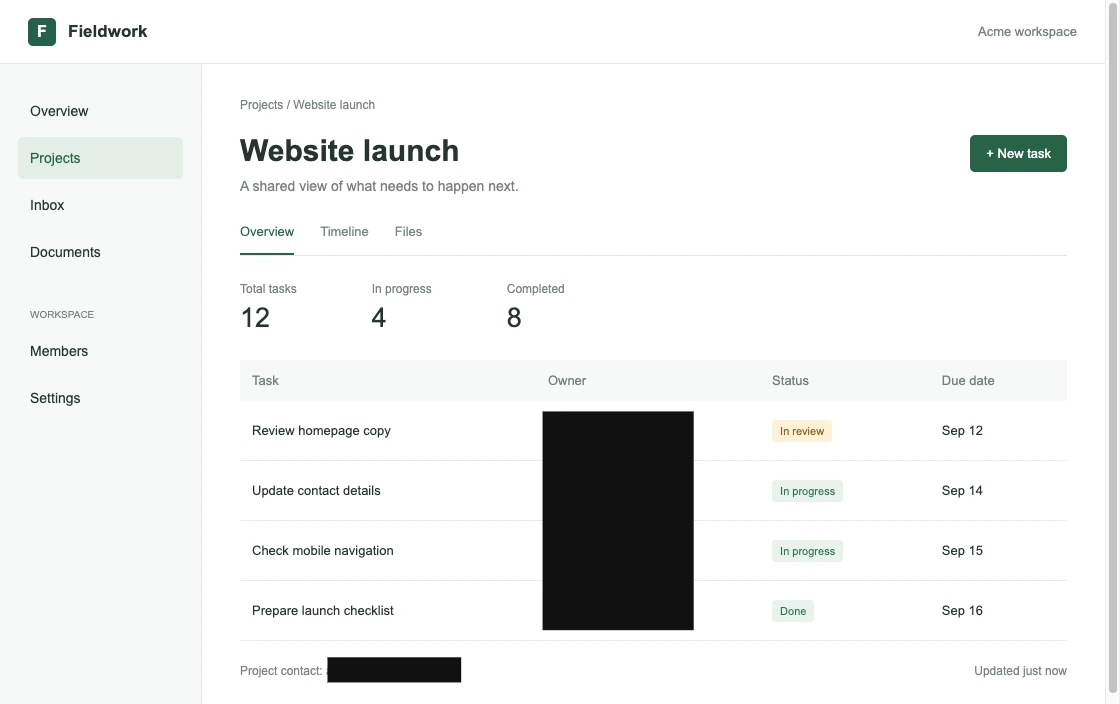

Your screenshot stays with you.
Editing happens locally in your browser. There is no image upload, cloud gallery, or account requirement. Your original file stays unchanged.
Read the screenshot redaction guideBefore you start.
Is this screenshot editor free?
Yes. Annotation, opaque redaction, blur, pixelation, cropping, and PNG export are free, with no account and no watermark.
Can I edit text already in a screenshot?
You can add text annotations or cover an area and place a new text label. This tool does not recognize or automatically replace existing text with AI or OCR.
Is blurring enough to hide private information?
No. Blur and pixelation can leave recoverable clues. Use an opaque cover, export a flattened PNG, and inspect the saved image before sharing.
Which images can I open?
PNG, JPG and WebP images up to 20 MB and 24 megapixels, with a maximum of 8192 pixels per side. Clipboard access depends on your browser; PNG download is also available.